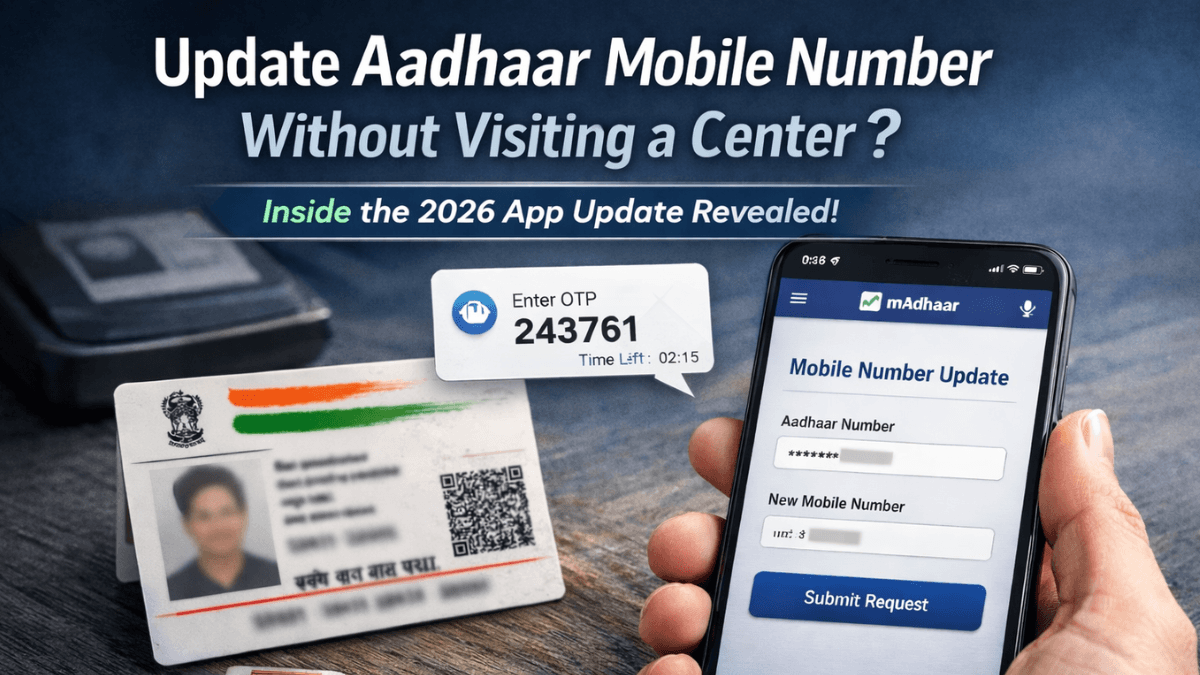
For years, one rule stayed constant: if you wanted to change your Aadhaar-linked mobile number, you had to visit an enrollment or update center. No shortcuts. No online form.
But in 2026, after a major update to the official Unique Identification Authority of India system and the mAadhaar app, many people are asking the same question:
Can you update Aadhaar mobile number without visiting a center now?
Let’s break down what has actually changed — and what hasn’t.
Why Updating Your Aadhaar Mobile Number Matters More in 2026
Your Aadhaar-linked mobile number is not just for OTPs anymore.
Banks, income tax portals, SIM verification, DigiLocker, and government subsidies all rely on OTP-based authentication linked to Aadhaar.
If your number is inactive or changed, you may face:
- Failed OTP authentication
- Trouble accessing government services
- Delays in bank KYC updates
- Inability to download e-Aadhaar
That’s why the topic “update Aadhaar mobile number without visiting a center” is trending this year.
The Big Question: Can You Update Aadhaar Mobile Number Fully Online?
Here’s the simple answer:
No — not fully.
According to official guidelines published by the Unique Identification Authority of India, mobile number updates still require biometric authentication in most cases.
However, the 2026 app update introduced improvements that reduce effort — even if it doesn’t eliminate the center visit entirely.
Let’s understand how.
What the 2026 mAadhaar App Update Actually Allows
The updated mAadhaar app now offers:
Pre-Request Submission
You can initiate a mobile number update request through the app.
This helps you avoid long forms at the center.
Appointment Booking Inside the App
You can now:
- Locate nearby Aadhaar centers
- Book a time slot
- Choose preferred date
This reduces waiting time significantly.
Real-Time Update Tracking
After visiting the center, you can track the update status inside the app.
Earlier, users had to check separately on the UIDAI website.
Profile & Document Management
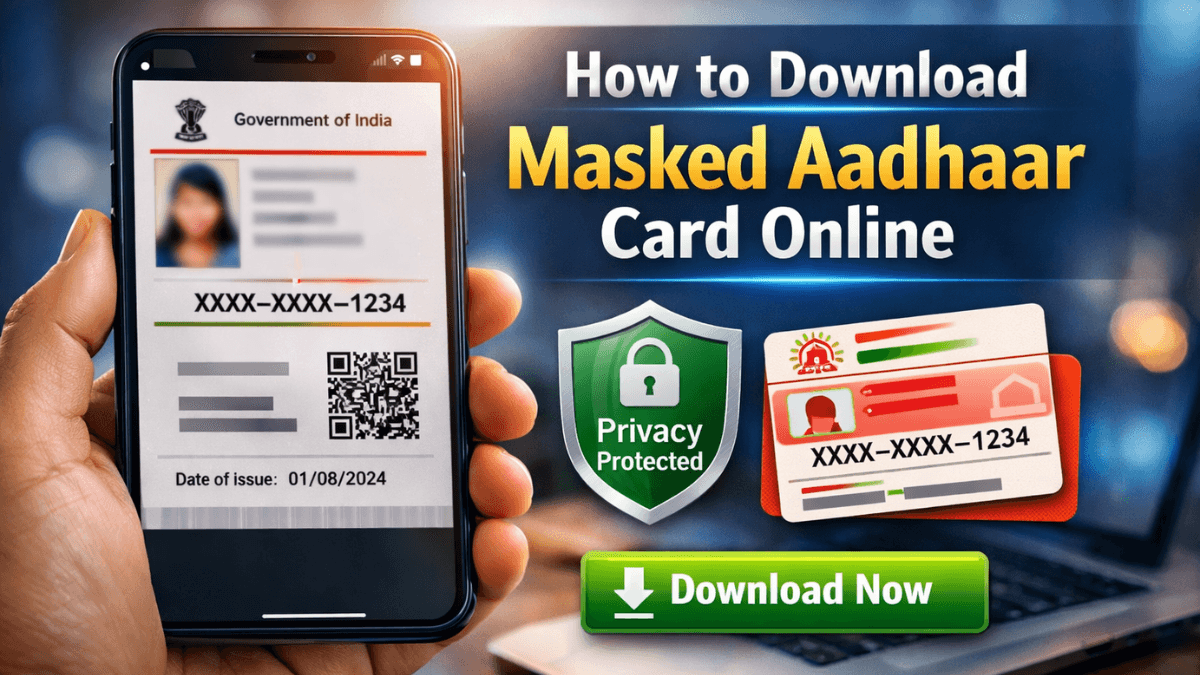
The app lets you manage Aadhaar profile details and download masked Aadhaar instantly.
But here’s the important part:
Biometric verification is still mandatory for mobile number change.
Why UIDAI Still Requires Physical Verification
Changing a mobile number linked to Aadhaar is sensitive.
Your Aadhaar number connects to:
- Bank accounts
- PAN
- Government benefits
- SIM cards
- Tax filings
If UIDAI allowed fully online mobile number changes without biometric authentication, fraud risks would increase.
That’s why the system requires fingerprint or iris verification at an authorized center.
Security comes first.
Step-by-Step: How the 2026 Aadhaar Mobile Number Update Process Works
Here is the current official process:
Step 1: Download or Update the mAadhaar App
Install the official app developed by UIDAI.
Avoid third-party apps.
Step 2: Initiate Update Request
Select “Mobile Number Update” inside the app.
Fill in your Aadhaar number and new mobile number.
Step 3: Book an Appointment
Choose the nearest Aadhaar Seva Kendra.
Pick a time slot.
Step 4: Visit the Center
Carry your Aadhaar number.
Provide biometric authentication.
Step 5: Pay the Update Fee
As per UIDAI guidelines, demographic updates generally involve a small service charge.
Step 6: Track Status Online
Use the app or official UIDAI portal to track your request.
Usually, updates reflect within a few days.

Quick Comparison: Old vs 2026 Process
| Feature | Before 2026 | After 2026 App Update |
|---|---|---|
| Online initiation | Not available | Available |
| Appointment booking | Website only | In-app |
| Status tracking | Separate portal | In-app |
| Biometric visit | Required | Still required |
So yes, the process is smoother.
But no, it is not fully online yet.
Common Myths About Updating Aadhaar Mobile Number Online
Let’s clear the confusion.
Myth 1: You can change your Aadhaar mobile number completely online.
Not true. Biometric verification is mandatory.
Myth 2: Any app can update Aadhaar details.
Only the official mAadhaar app or UIDAI website should be used.
Myth 3: Agents can update it remotely.
Unauthorized agents cannot legally change your mobile number without biometric verification.
If someone promises “instant Aadhaar mobile update online,” be cautious.
What If Your Old Mobile Number Is Lost?
This is a common situation.
If your previous mobile number is inactive:
- You cannot authenticate via OTP.
- You must visit a center.
- Biometric verification becomes compulsory.
There is currently no remote alternative.
Security Tips You Should Follow
When trying to update Aadhaar mobile number without visiting a center, many users search online and land on fake websites.
Protect yourself:
- Download apps only from official app stores.
- Check publisher name: UIDAI.
- Do not share OTP with anyone.
- Avoid unofficial Aadhaar update links.
If in doubt, verify information from the official UIDAI portal.

Key Takeaways
- You cannot fully update Aadhaar mobile number without visiting a center.
- The 2026 app update makes the process easier but not completely online.
- Biometric verification remains mandatory.
- Always use official UIDAI channels.
- Appointment booking and tracking are now smoother via the app.
Frequently Asked Questions (FAQs)
1. Can I update Aadhaar mobile number without OTP?
Yes, but only at a center using biometric authentication.
2. Is there any online-only method in 2026?
No. The process still requires physical verification.
3. How much time does the update take?
Typically a few days after successful biometric verification.
4. Is there a fee for updating mobile number?
Yes, UIDAI charges a nominal service fee for demographic updates.
5. Can I update mobile number through DigiLocker?
No. DigiLocker does not allow Aadhaar mobile updates.